The best instant cameras make it easy to turn everyday moments into prints you can share, stick, or save digitally. Choose between simple pocket cameras, phone-connected printers, and feature-rich models based on print style, creative controls, and how much editing you want.
Quick Top Products
Kodak Step Touch
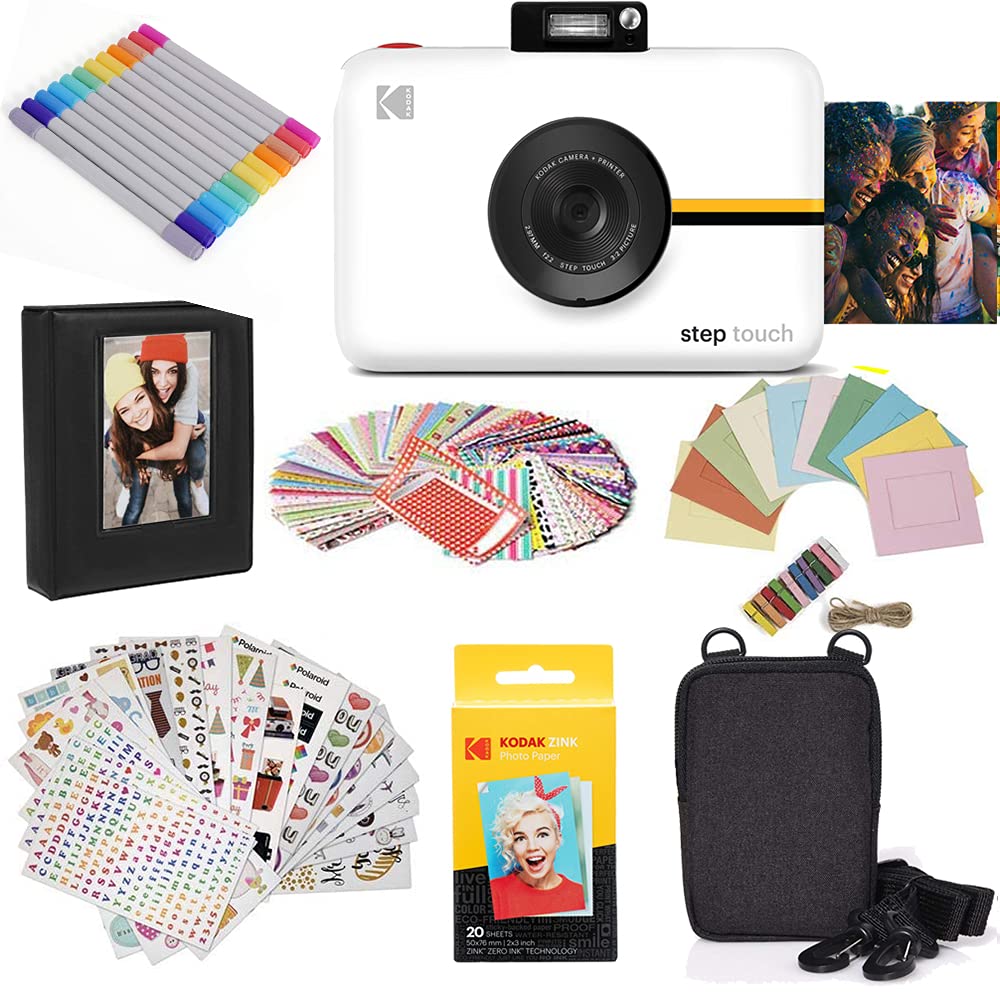
- Combines a 13MP camera and printer with a 3.5-inch touchscreen.
- Includes 10X optical zoom, pop-up flash, selfie mirror, and 1080p video.
- Prints 2 x 3 inch sticky-back ZINK photos and supports Bluetooth printing.
Best For: Photo lovers who want on-camera editing, zoom, and video alongside instant prints.

Kodak Mini Shot 3 Retro
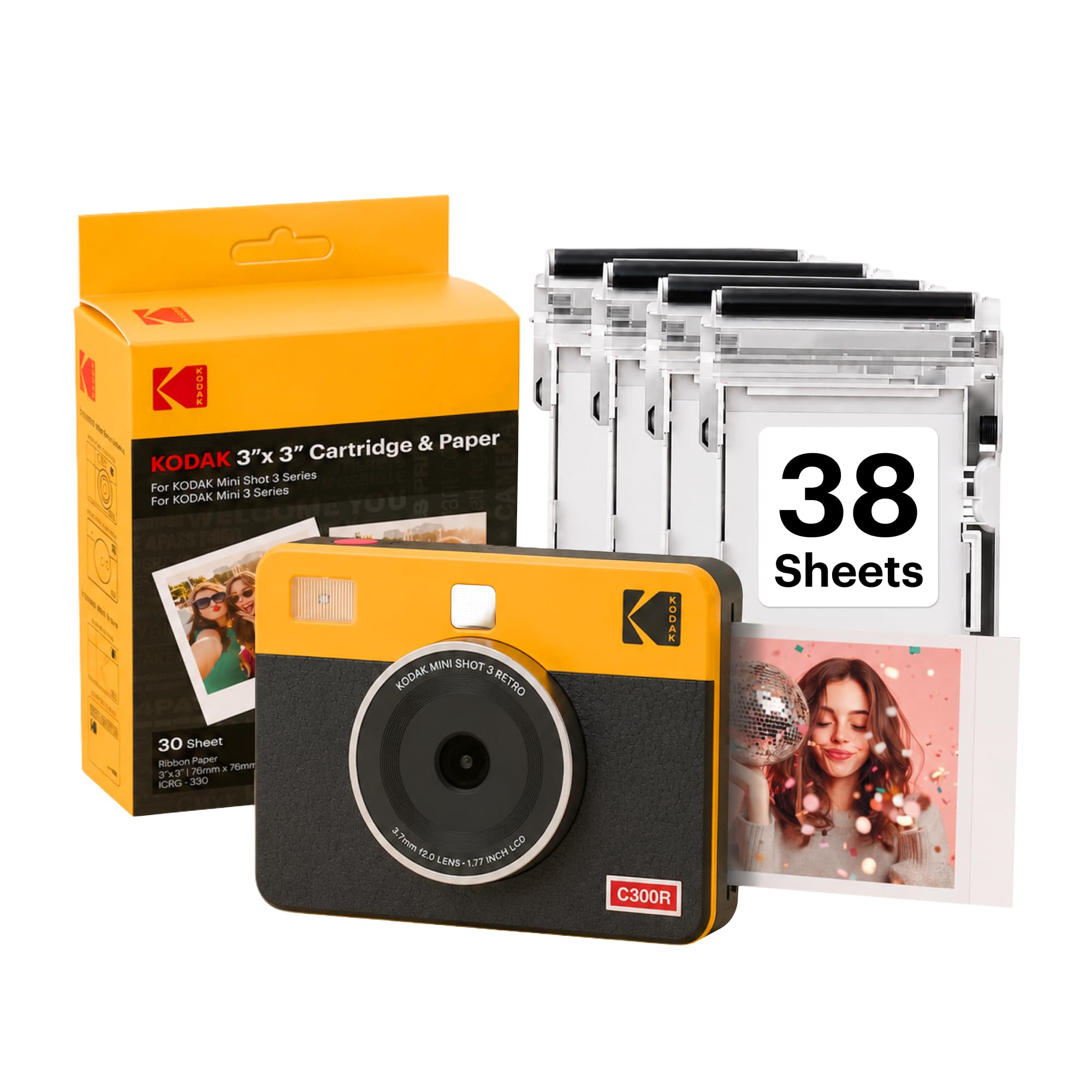
- Shoots and prints 3 x 3 inch photos, or prints from a smartphone.
- Uses 4PASS dye sublimation with a protective lamination layer.
- Includes 38 sheets, four cartridges, a USB Type-C cable, and a strap.
Best For: Scrapbookers and party hosts who want square prints and phone-based editing.
Kodak Mini Shot 2 Retro
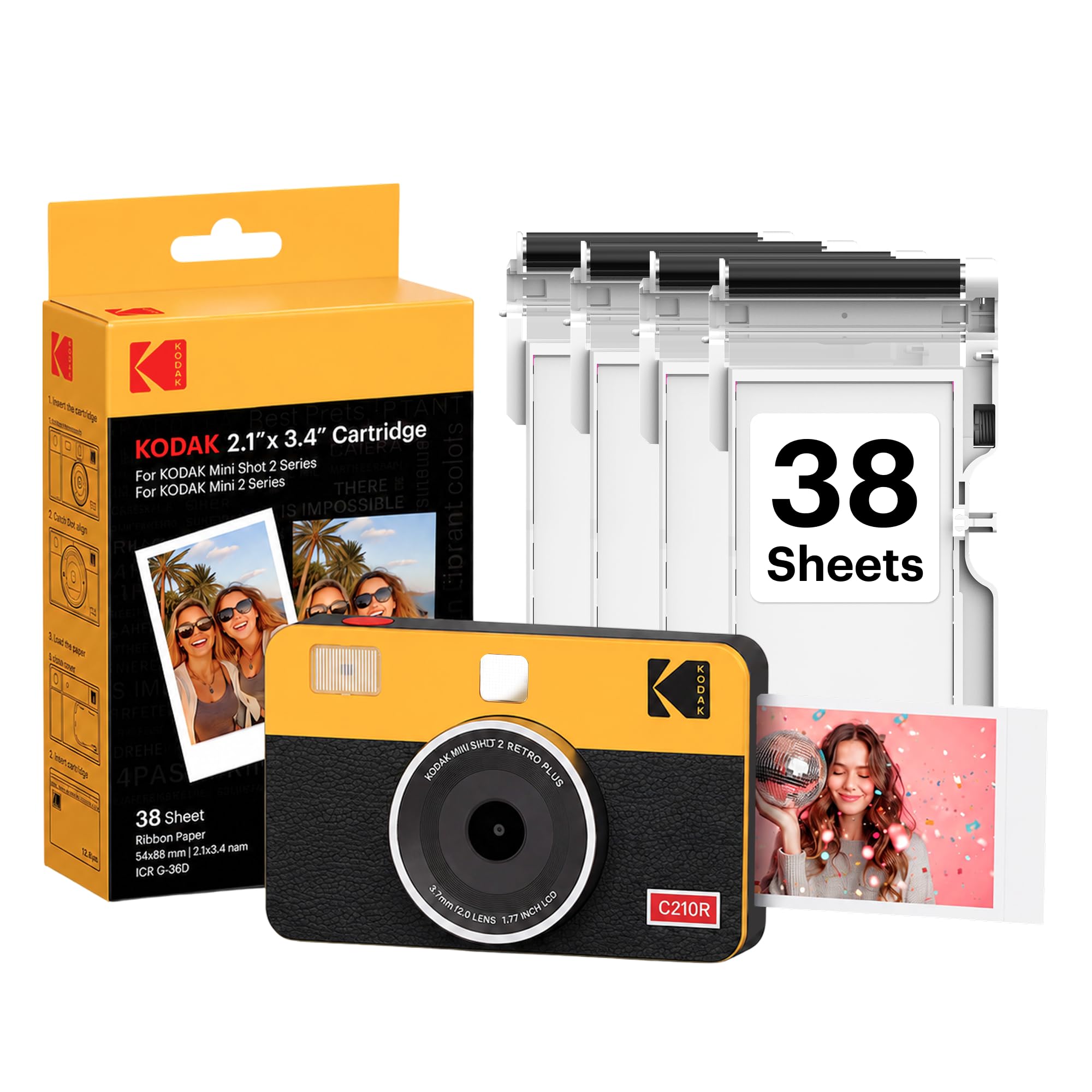
- Lets you print a captured image or cancel the print.
- Prints 2.1 x 3.4 inch smartphone photos through Bluetooth.
- Supports bordered and borderless print styles.
Best For: Travelers who want compact rectangular prints and the option to cancel unwanted prints.
Kodak Smile+
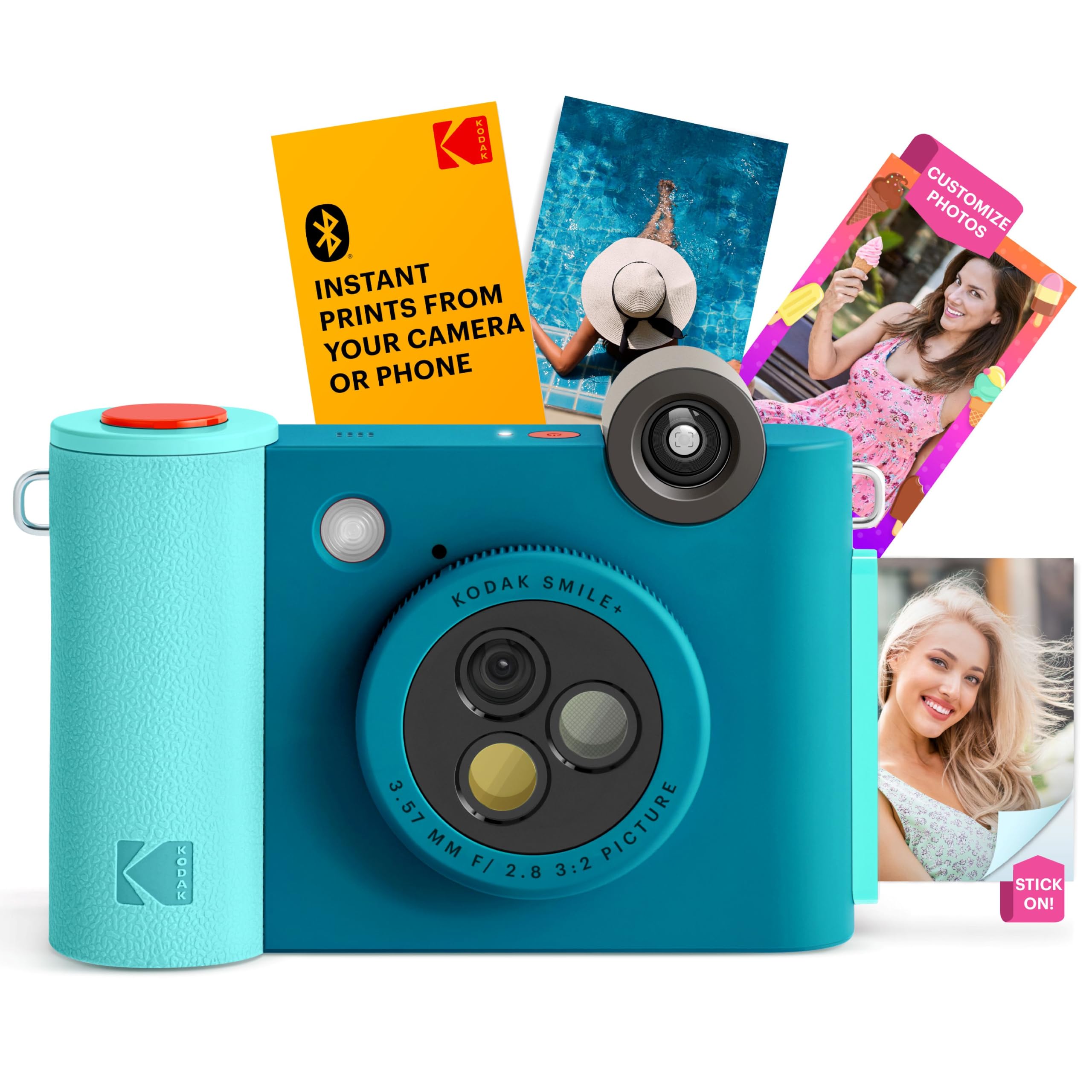
- A rotating lens selects standard, retro, or star effects.
- Prints colorful, sticky-backed 2 x 3 inch ZINK photos.
- Bluetooth phone editing supports text, colors, and stickers.
Best For: Phone-connected creators who want quick filters and sticker-backed prints.
Kodak Printomatic+
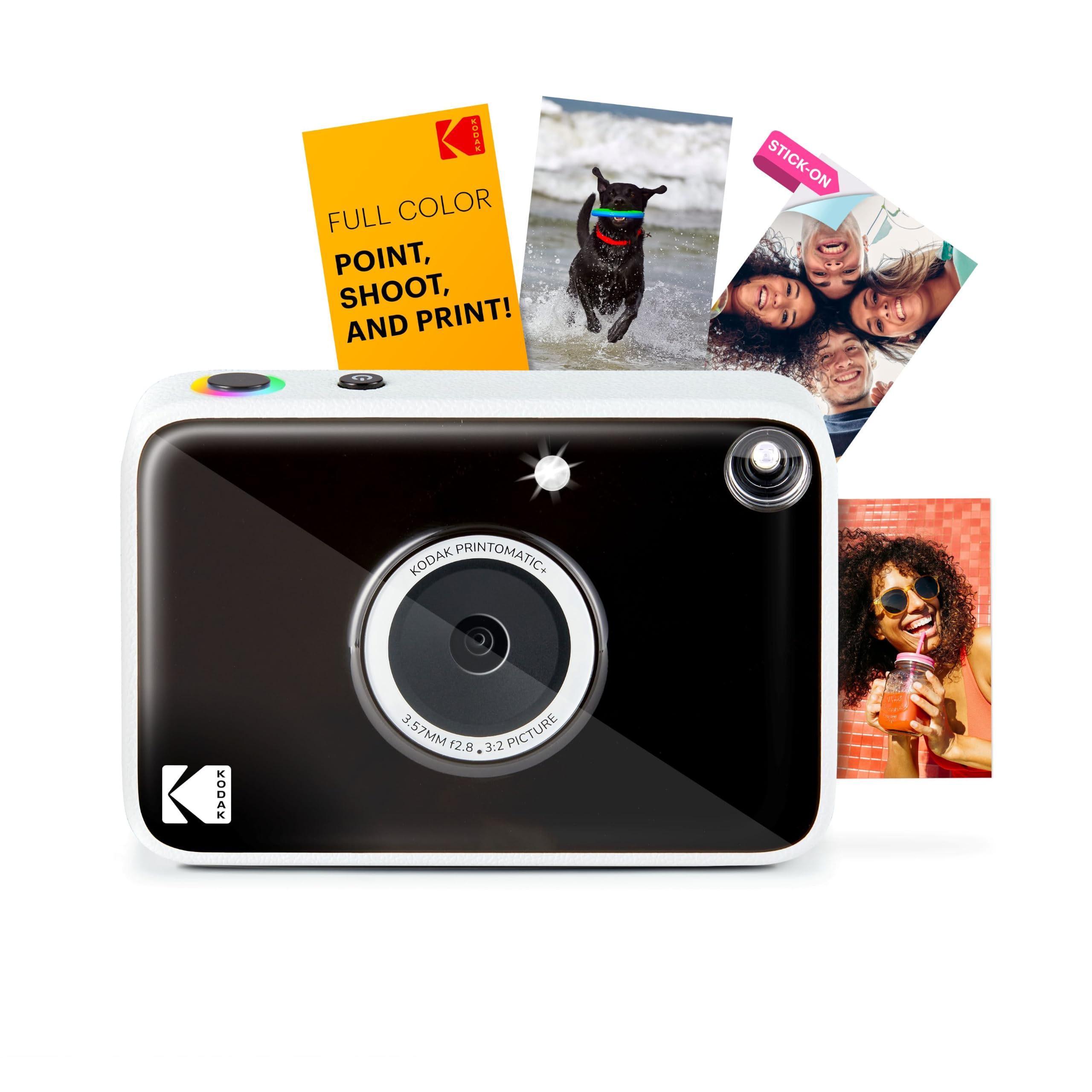
- Captures with a 10MP sensor, fixed focus, and auto-flash.
- An RGB LED indicator displays processing and printing status.
- Prints full-color sticky-backed 2 x 3 inch ZINK photos.
Best For: Pocket-camera users who want a simple instant workflow with visible print status.
Kodak Printomatic
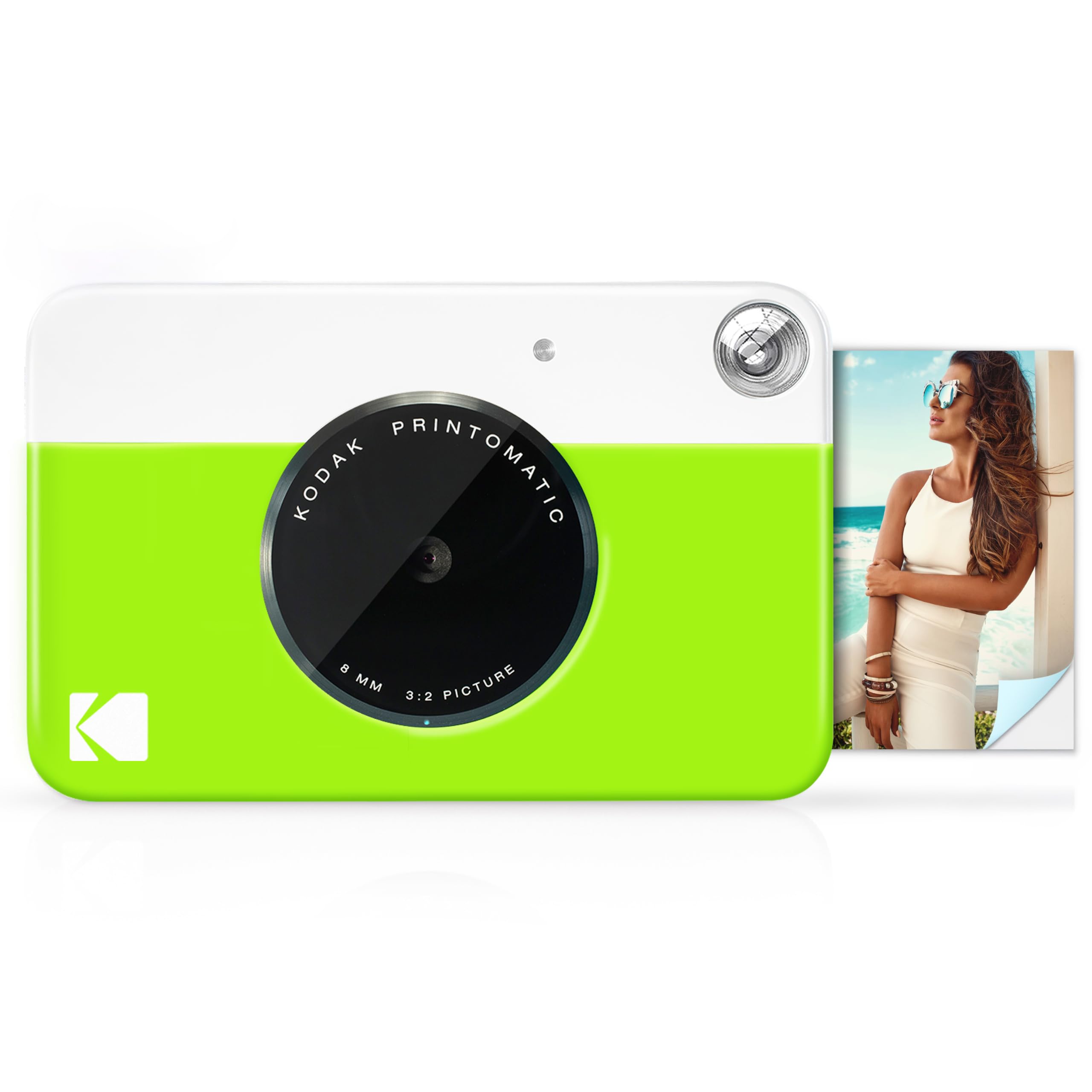
- Uses a 5MP sensor and wide-angle f/2 lens.
- Can shoot while printing the previous photo.
- Prints 2 x 3 inch ZINK photos and saves images to microSD.
Best For: Beginners who want a lightweight point-and-print camera with digital storage.
Kodak Printomatic 10MP Bundle
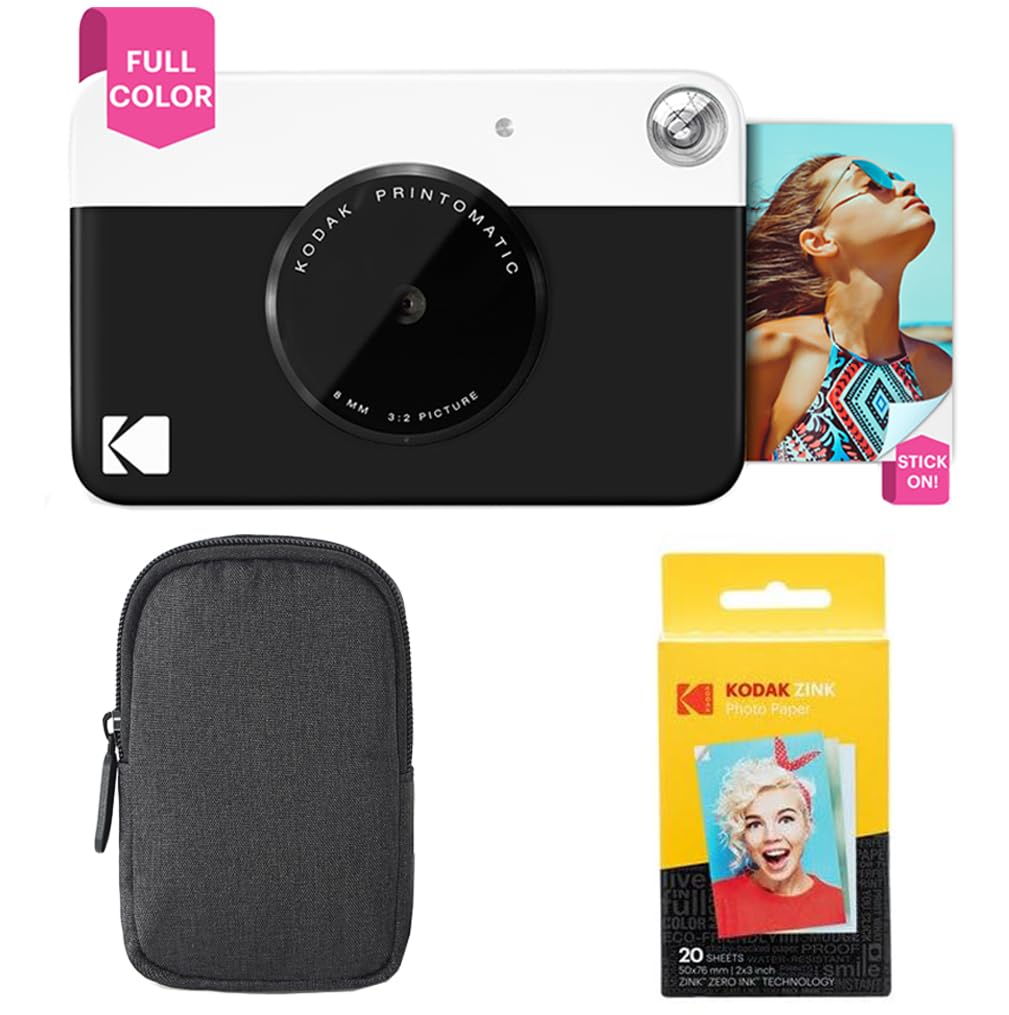
- The camera combines a 10MP sensor with a wide-angle f/2 lens.
- It prints color or black-and-white 2 x 3 inch photos.
- The bundle includes 20 ZINK sheets and a deluxe case.
Best For: Buyers who want a simple Printomatic camera with a case and starter paper.
Kodak x Barbie Printomatic
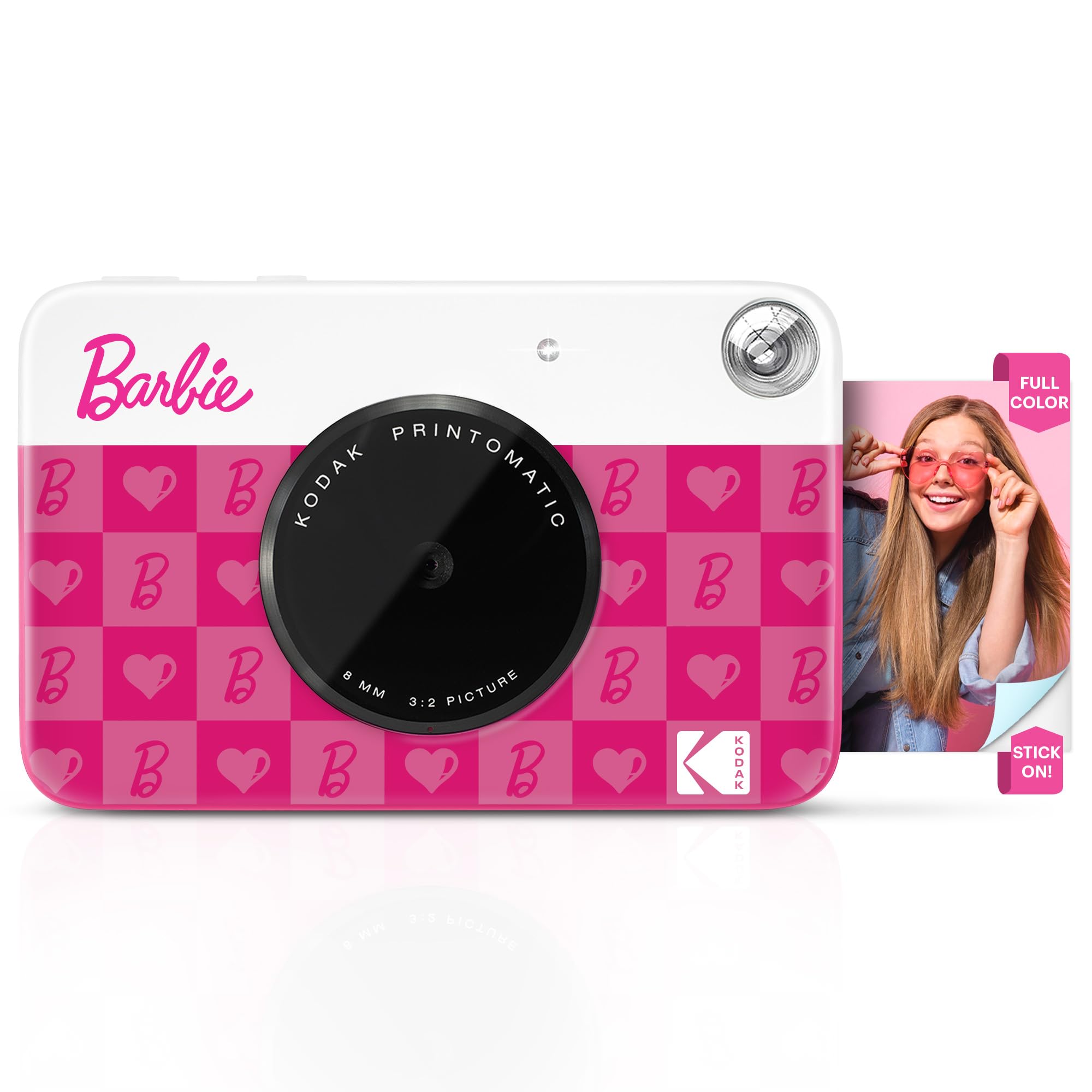
- A pocket-sized Barbie camera is designed for photos on the go.
- It combines a 5MP sensor with auto-flash and focus.
- Prints adhesive-backed 2 x 3 inch full-color photos.
Best For: Barbie fans looking for a compact camera that prints colorful sticker-style photos.
Barbie x Kodak Printomatic
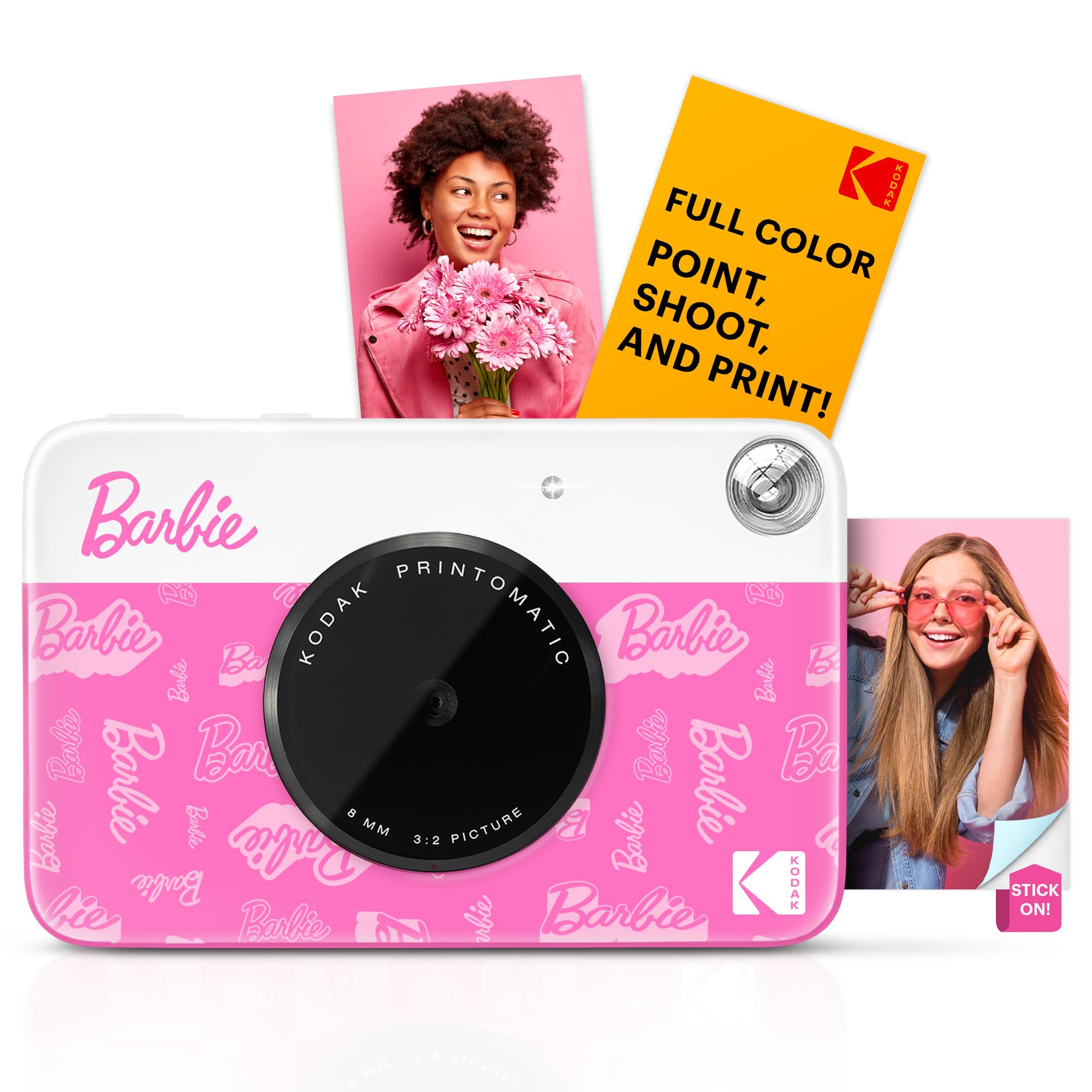
- Captures and prints with one device.
- Uses a 5MP sensor with auto-flash and focus.
- Prints sticky-backed 2 x 3 inch ZINK photos and can save to microSD.
Best For: Gift buyers who want Barbie styling with one-touch instant printing.
Touchscreen Editing and Zoom
Zink Kodak Step Touch | 13MP Digital Camera & Instant Printer with 3.5” LCD Touchscreen Display, 1080p HD Video (White) Starter Bundle
The Kodak Step Touch combines a 13MP camera with a built-in ZINK printer and a 3.5-inch touchscreen. You can capture, review, edit, and print 2 x 3 inch sticky-back photos from the same device, or connect a smartphone or use a microSD card as a print source.
Its listed features also include 10X optical zoom, a pop-up flash, a selfie mirror, and 1080p video. That breadth makes it a more involved creative tool than a simple point-and-print camera.
Consider whether you want the larger editing interface and extra capture features, and check the exact bundle contents before buying.
Best For: Photo lovers who want on-camera editing, zoom, and video alongside instant prints.
| Pros | Cons |
|---|---|
|
|
Choose the Step Touch if you expect to edit and review pictures on the camera, or want zoom and video in the same device. The touchscreen and broad feature set offer more control than the Printomatic cameras, while the 2 x 3 inch ZINK print format is shared by several simpler options here.
Check the bundle's paper quantity and whether its touchscreen workflow fits the way you prefer to capture and share pictures.
Square Prints and Phone Printing
KODAK Mini Shot 3 Retro 3x3” Instant Digital Camera & Photo Printer, 38 Sheets, 2-in-1 Portable Print Camera, Bluetooth Smartphone Printer for iOS & Android, 4PASS Dye Sublimation, Yellow
The Mini Shot 3 Retro pairs an instant camera with a portable photo printer, so you can print a new 3 x 3 inch image from the camera or send one from a compatible iOS or Android phone over Bluetooth. Its 4PASS dye-sublimation process applies three color layers and a protective lamination layer.
The camera bundle includes 38 sheets, four cartridges, a USB Type-C cable, and a strap, giving you supplies to start with. The square format suits albums, scrapbooks, and display projects.
Check the app workflow and refill availability if you expect to print often.
Best For: Scrapbookers and party hosts who want square prints and phone-based editing.
| Pros | Cons |
|---|---|
|
|
Pick the Mini Shot 3 Retro if you value square prints for scrapbooks and want a camera that can also print phone photos. The Mini Shot 2 Retro uses a smaller rectangular format, while this model's supplied pack includes 38 sheets and four cartridges.
Check the replacement supply options and whether you prefer square prints before choosing it for regular use.
Compact Camera with Print Choice
KODAK Mini Shot 2 Retro 2x3” Instant Digital Camera & Photo Printer, 38 Sheets, 2-in-1 Portable Print Camera, Bluetooth Smartphone Printer for iOS & Android, 4PASS Dye Sublimation, Yellow
The Mini Shot 2 Retro is a compact digital instant camera that lets you take a picture and decide whether to print it or cancel it. It also works as a Bluetooth printer for 2.1 x 3.4 inch photos from compatible Apple or Android devices.
Its 4PASS process layers color and laminate, and it supports bordered and borderless prints. Those options can suit travel albums or keepsakes where composition matters.
This model is described with automatic exposure and a 1.7-inch screen. Confirm the exact paper and cartridge bundle you are buying, since the supplied record does not give a starter quantity.
Best For: Travelers who want compact rectangular prints and the option to cancel unwanted prints.
| Pros | Cons |
|---|---|
|
|
Choose the Mini Shot 2 Retro if you want to review a camera shot before committing paper, or print phone photos in a rectangular format. Its bordered and borderless choices add a little presentation flexibility.
Unlike the Mini Shot 3 Retro, it does not make square prints; check the included paper quantity and the compatibility of any albums or sleeves you already use.
Built-In Creative Filters
Kodak Smile+ 2-in-1 Digital Instant Print Camera & Wireless Bluetooth Photo Printer - 10MP, Special-Effect Rotating Lens, Zink 2x3” Sticky-Back Photos, Print via Fun App from Smart Devices - Blue
The Kodak Smile+ combines a digital instant camera and wireless photo printer with a rotating effect lens. Turn the lens control to choose standard, retro, or star effects, then print a 2 x 3 inch ZINK photo with adhesive backing.
Bluetooth pairing adds another creative route: edit phone photos with text, colors, and stickers before printing. A microSD card slot can save images captured with the camera.
It is a practical fit for casual creative sessions when you want effects on the device and edits from a phone. Check whether you want a camera-led workflow or mostly phone printing before choosing.
Best For: Phone-connected creators who want quick filters and sticker-backed prints.
| Pros | Cons |
|---|---|
|
|
The Smile+ suits people who like choosing a visual effect while shooting and also want to print phone photos with edits. Its 2 x 3 inch ZINK prints match the Printomatic format, but its rotating lens and Bluetooth app provide more creative controls.
Confirm paper and card availability before buying, and consider whether you'll use the phone editing features enough to prefer them over a simpler point-and-print camera.
Status Lights and 10MP Sensor
Kodak Printomatic+ Instant Print Digital Camera (Black) 10MP Portable Camera with Interactive RGB LED Status Indicator, Prints Full-Color Photos on Zink 2x3” Sticky-Backed Photo Paper - Easy & Fun
The Printomatic+ is a pocket-sized camera focused on quick 2 x 3 inch ZINK prints. Its 10MP sensor, fixed focus, and auto-flash keep the capture setup straightforward, while an interactive RGB LED indicator shows stages such as processing, printing, and cooling down.
ZINK paper makes full-color sticky-backed photos without ink or cartridges. This is a camera-first option for casual snapshots and sharing on the go.
The feature notes do not give a paper quantity or say whether it saves digital copies, so check both details if they matter to your routine.
Best For: Pocket-camera users who want a simple instant workflow with visible print status.
| Pros | Cons |
|---|---|
|
|
Choose the Printomatic+ if you want a compact camera that prints directly and makes its processing status easy to see. It shares the adhesive 2 x 3 inch ZINK format with the older Printomatic, while adding a documented 10MP sensor and RGB status indicator.
Check memory-card saving and included paper quantity before buying if you want digital backups or plan to use it straight out of the box.
Pocketable, Simple ZINK Prints
KODAK Printomatic Full-Color Instant Print Digital Camera, Zink 2x3" (5.1x7.5 cm) Sticky-Back Photo Paper, 5MP, Portable, Creative Fun Gift for Birthday, Christmas, Holiday, Green
This green Kodak Printomatic pairs a 5MP sensor and wide-angle f/2 lens with automatic printing on 2 x 3 inch ZINK photo paper. It can take a new photo while the previous one prints, and a light sensor turns on the flash in low-light settings.
The pocket-sized design makes it an easy camera to carry for gatherings and everyday moments. It also saves photos to a microSD card, giving you an option beyond the physical print.
The record notes that no USB cable is included; check paper supply and card availability when comparing offers.
Best For: Beginners who want a lightweight point-and-print camera with digital storage.
| Pros | Cons |
|---|---|
|
|
The green Printomatic is a straightforward choice for someone who wants to point, shoot, and hand over a physical print without phone editing. Its microSD saving is useful if you want digital copies as well.
The Smile+ adds Bluetooth editing and effects, while this camera keeps the documented workflow simpler. Confirm the paper supply and memory card situation before purchase.
10MP Printomatic Starter Bundle
Kodak Printomatic Instant Camera (Black) Basic Bundle + Zink Paper (20 Sheets) + Deluxe Case
This black Printomatic bundle centers on a 10MP point-and-shoot camera with a wide-angle f/2 lens. It automatically prints color or black-and-white 2 x 3 inch photos on adhesive-backed Kodak ZINK paper, while its light sensor activates flash in low-light settings.
The camera can take a new picture while the previous print is in progress and saves photos to microSD. This offer also names 20 sheets of ZINK paper and a deluxe case, which makes it a convenient starting set for instant snapshots.
Check which accessories are in the package and whether the paper format suits your existing album or display plans.
Best For: Buyers who want a simple Printomatic camera with a case and starter paper.
| Pros | Cons |
|---|---|
|
|
Pick this Printomatic bundle if the included case and 20 sheets are useful and you prefer a camera with the documented 10MP sensor. Its basic point-and-print workflow resembles the smaller Printomatic offers, but this bundle explicitly pairs the camera with a case and paper.
Check microSD and cable inclusion, and compare bundle contents carefully so you are not paying for accessories you do not plan to use.
Barbie-Themed ZINK Camera
Kodak x Barbie Printomatic Full-Color Instant Print Digital Camera, 5MP Portable Barbie Camera, Zink 2x3 (5.1x7.5 cm) Sticky-Back Photo Paper, Gift for Christmas, Holiday, Birthday, Iconic Style
This Barbie-themed Kodak Printomatic pairs a pocket-sized design with a 5MP sensor, auto-flash, and focus for quick captures. It prints full-color 2 x 3 inch ZINK photos with adhesive backing, so the prints can be used like stickers.
You can also save images to a microSD card. The camera uses inkless ZINK technology, and its print paper is described as water-resistant, tear-resistant, and smudge-proof.
This version is suited to a gift or creative activity where the Barbie design is part of the appeal. Check whether the selected offer includes a memory card or starter paper.
Best For: Barbie fans looking for a compact camera that prints colorful sticker-style photos.
| Pros | Cons |
|---|---|
|
|
Choose this edition when the Barbie styling matters as much as the instant-photo activity. Its documented capture and print functions align with the Printomatic approach: compact, 5MP, and focused on adhesive-backed ZINK photos.
It does not add the Bluetooth editing documented for Smile+, so decide whether a themed standalone camera or phone-assisted effects better fit the intended user. Check included paper and card details.
Signature Barbie Print Design
Barbie x Kodak Printomatic Full-Color Instant Print Digital Camera – 5MP Portable Barbie Camera Prints Colorful 2x3” Sticky-Back Photos – Signature Style
This Barbie x Kodak Printomatic is another compact themed camera for capturing and printing directly from one device. Its 5MP sensor pairs with auto-flash and focus, and the camera prints full-color 2 x 3 inch adhesive-backed ZINK photos.
It can also save images to a microSD card. The core specifications closely match the other Barbie Printomatic offer here, so the practical choice between them is largely about which edition and package details are preferable.
Check the exact color and included supplies at checkout; the supplied product facts do not identify a paper quantity or microSD card.
Best For: Gift buyers who want Barbie styling with one-touch instant printing.
| Pros | Cons |
|---|---|
|
|
This offer suits buyers who want the Barbie-themed Printomatic concept and a simple route from snapshot to sticker-style photo. Its features substantially overlap with the other Barbie Printomatic in this roundup, so choosing both would add little variety.
Check the edition details and included supplies, then pick the one whose styling and package best match the gift or use case.
How to Choose Instant Cameras
How We Picked Instant Cameras
This roundup focuses on devices that capture images and produce physical photos, with distinct options for direct printing, smartphone printing, creative effects, and more involved editing. It includes cameras with ZINK adhesive-backed prints as well as Kodak Mini Shot models using 4PASS dye sublimation.
Models that were only refill paper, monochrome label printers, or duplicate offers and color variants were left out.
Print format and workflow matter as much as the camera body. The Printomatic cameras print 2 x 3 inch photos, the Mini Shot 2 Retro makes 2.1 x 3.4 inch photos, and the Mini Shot 3 Retro uses a square 3 x 3 inch format.
Those differences affect how prints fit albums, scrapbooks, and display ideas.
Comparing Instant Cameras
The simplest choices here are the Printomatic models: they take a picture and print it automatically, with microSD saving documented for several offers. The Smile+ adds Bluetooth editing and built-in effect filters, while the Mini Shot cameras double as phone photo printers.
The Step Touch adds an on-camera touchscreen, editing controls, zoom, and video.
Print technology shapes the kind of physical photo you get. ZINK cameras use adhesive-backed paper without ink cartridges, while the Mini Shot cameras use layered 4PASS dye sublimation and laminate.
Paper bundles vary by offer, so compare the actual included sheets and cartridge supplies before treating a camera as ready to use.
| Product | Standout features | Best for |
|---|---|---|
| Kodak Step TouchCheck Price |
| Photo lovers who want on-camera editing, zoom, and video alongside instant prints. |
| Kodak Mini Shot 3 RetroCheck Price |
| Scrapbookers and party hosts who want square prints and phone-based editing. |
| Kodak Mini Shot 2 RetroCheck Price |
| Travelers who want compact rectangular prints and the option to cancel unwanted prints. |
| Kodak Smile+Check Price |
| Phone-connected creators who want quick filters and sticker-backed prints. |
| Kodak Printomatic+Check Price |
| Pocket-camera users who want a simple instant workflow with visible print status. |
| Kodak PrintomaticCheck Price |
| Beginners who want a lightweight point-and-print camera with digital storage. |
| Kodak Printomatic 10MP BundleCheck Price |
| Buyers who want a simple Printomatic camera with a case and starter paper. |
| Kodak x Barbie PrintomaticCheck Price |
| Barbie fans looking for a compact camera that prints colorful sticker-style photos. |
| Barbie x Kodak PrintomaticCheck Price |
| Gift buyers who want Barbie styling with one-touch instant printing. |
Choosing a Camera for Scrapbooks and Keepsakes
Think about how you will use the prints after taking them. Adhesive-backed 2 x 3 inch ZINK photos can be placed directly on projects, while the Mini Shot 2 Retro offers bordered or borderless rectangular prints and the Mini Shot 3 Retro makes square photos for albums and wall displays.
If you're choosing a camera for a child or a creative gift, the Barbie x Kodak Printomatic has a pocketable design and sticker-style prints. Its workflow is simple, while the Smile+ offers filters and Bluetooth personalization for users who want more ways to alter an image before printing.
Which Instant Camera Fits Your Routine?
Choose a Printomatic if you want the most direct route from snapshot to ZINK print, and decide whether a bundle with case or paper suits your needs. The Printomatic+ adds an RGB status light and a 10MP sensor.
Pick the Smile+ if you want built-in effect filters and smartphone editing, or a Mini Shot if phone photo printing and the 4PASS finish are priorities.
The Step Touch is the option for people who want to review and edit on a camera screen and also capture video. Before buying any model, check the print format, starter paper or cartridge quantity, memory-card inclusion, and phone compatibility that matter for your use.
For a gift or travel camera, weigh portability and bundled supplies against the value of extra editing features.